Compress a photo to 100 KB
Make a photo smaller with TinyEnough. Follow this example with the supplied photo, choose a 100 KB target, and check the result before using it.
The example photo
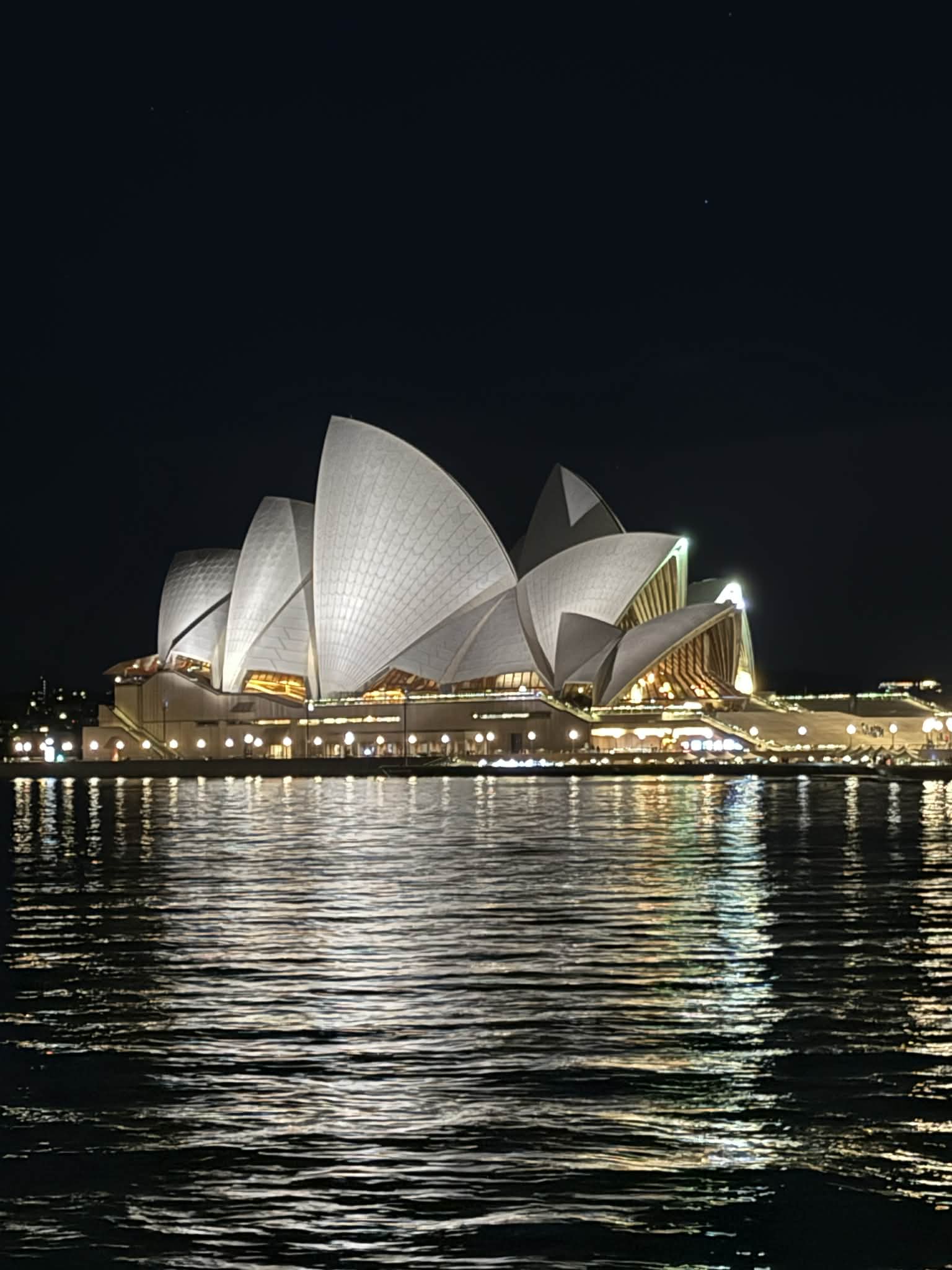
Use this photo of the Sydney Opera House at night. The original is 1,536 × 2,048 pixels and 183,455 bytes, so a 100 KB target gives us a useful compression example.
Step by step
- Download the example photo. Open TinyEnough and select the JPG with “Choose files”.
- Set “Maximum file size” to 100 KB.
- Set “Save as” to JPG.
- Leave “Max width” and “Max height” empty under “Maximum dimensions (optional)”. The tool can reduce dimensions if needed to meet the target.
- Click “Make it fit” and wait for the result.
- Check the file size and inspect the roof edges and water reflections. Click “Download image” to save the JPG.
Which format should I choose?
- JPG: a practical choice for photos. A smaller file may lose detail; transparent areas become white.
- WebP: worth comparing when the receiving form accepts it. Check both file size and visible detail.
- PNG: useful for transparency and sharp graphics. With this photo, the tool may need to reduce dimensions considerably to meet a small limit.
Check before uploading
Open the saved image at normal viewing size. Check that details remain clear, the dimensions meet the form’s requirements, and the form accepts the format.
Questions and troubleshooting
The upload form still rejects my image
Check the form’s exact limit. For a strict 100,000-byte limit, use 97 KB: TinyEnough’s 100 KB target allows 102,400 bytes.
A strict upload form may mean 200,000 bytes. TinyEnough uses 1,024 bytes per KB: its 200 KB target allows 204,800 bytes. Use 195 KB to stay below the stricter limit.
The file is still too large
An above-limit warning still allows download. Reduce dimensions or try JPG or WebP, then process again. The limit applies to each image, not the batch ZIP.
The photo has lost too much detail
Compare formats or use a higher limit if the form permits it. Check the saved file, especially the roof edges and reflections.
Optional: compare formats and example outputs
These files use the same supplied photo, a 100 KB target and no custom dimension limits. Compare the file sizes, dimensions and visible detail.
| Format / mode | Dimensions / pages | Bytes |
|---|---|---|
| JPG | 1259 × 1679 | 100492 |
| WEBP | 1536 × 2048 | 101808 |
| PNG | 209 × 279 | 91682 |
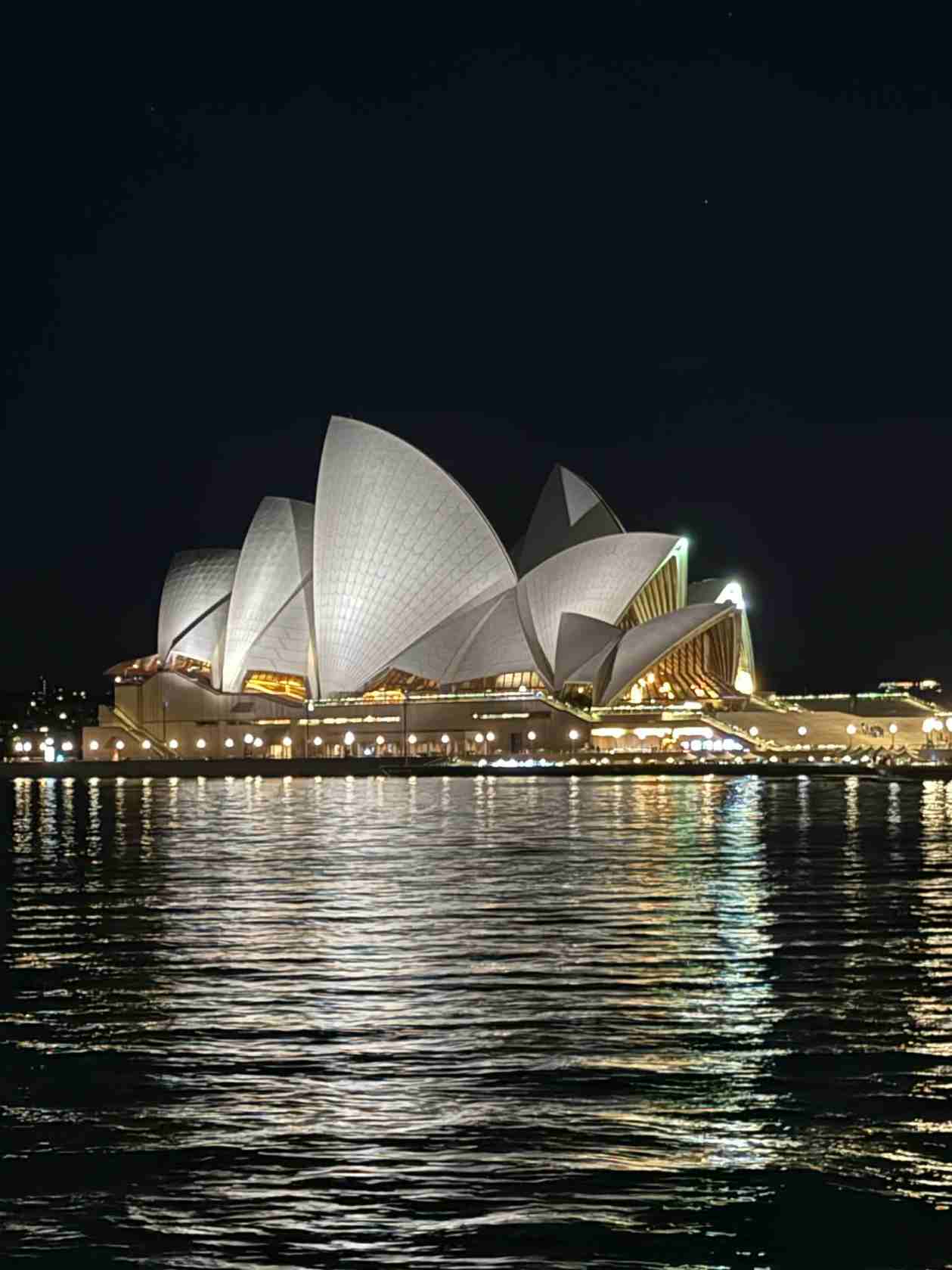
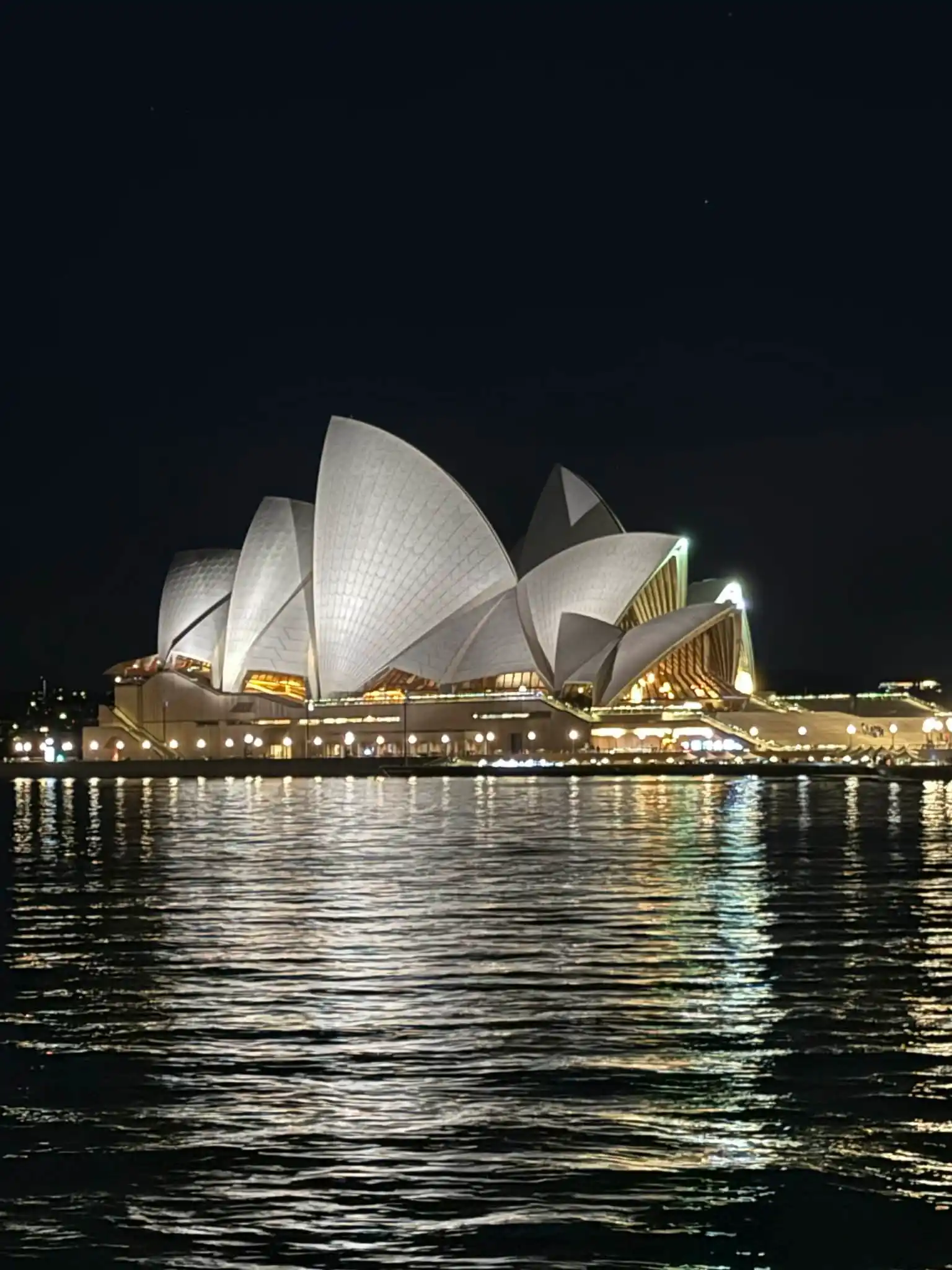
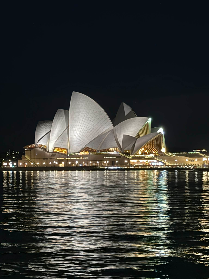
Example outputs were generated with TinyEnough’s compression code and a reference image encoder. Your browser may produce different sizes or dimensions.